Thursday, 12 May 2016

Week  13 ( FYP 2)

Title Designing the poster for the presentation day.
            Renovating  the wirelesss pigeonhole.

OBJECTIVES :
  1. To make the wireless pigeonhole more understandable.
  2. To design the poster to be both eye-catching and informative.
  3. To create a scene that fits the environment of  the presentation day.


Format for the poster :


The poster contains :
  1. Title, Student Name and Course.
  2. Objective
  3. Product Description
  4. Methodology
  5. Flowchart
  6. Result
  7. Conclusion
  8. Reference 


Image Of Poster Project 


Renovating  process of Wirelesss Pigeonhole :


Labelling Process : 


Sunday, 8 May 2016

Week  12 ( FYP 2)

TitleRunning the component while implementing the coding.

OBJECTIVES :

Connecting the Arduino Nano with :

                             1)  IR sensor.


                            2)  Bluetooth devices.


                           3)  Usb cabel.


                           4)  Lcd 


Video on how the my wireless pigeon hole running when supply inserted :


Week  11 ( FYP 2)

TitleProgress on hardware.

OBJECTIVES :

1) Drilling the hole to insert the paper (assignment).


2) Smoothen the surface that been drilled.


Cutting and Drilling process :


Smoothen process :


Week  10 ( FYP 2)

Title Second briefing for FYP2 student .

OBJECTIVES :

1)  Explaination about the Poster.

2)  Explaination about the Thesis for FYP2.

Briefing content :
Lecturer exposing to the student about the poster and thesis :

1)  Explaining about the format for poster and thesis.
2)  Englightend about what will occur during the presentation day.


Week  9 ( FYP 2)

Title :  Testing the coding for Arduino Nano  ( Counter )

OBJECTIVES :

1)  Testing the coding counter.
2)  Verifying the coding for the counter


Testing and understand the coding for the counter :


After compiling :


CONCLUSION:

The coding for the counter is succesfull.


Week  8( FYP 2)

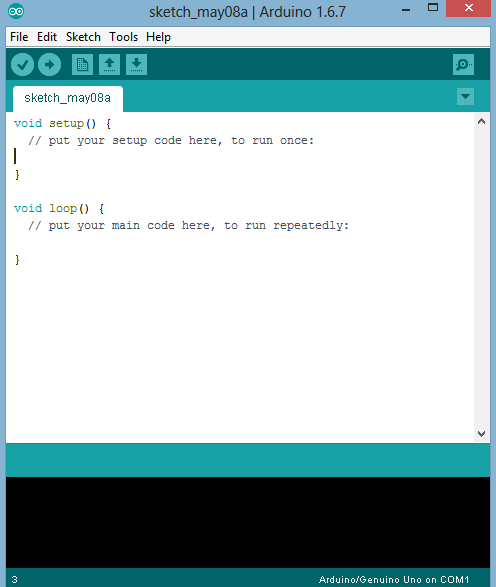
Title :  Understand on how using the arduino software for Ardunio Nano

OBJECTIVES :

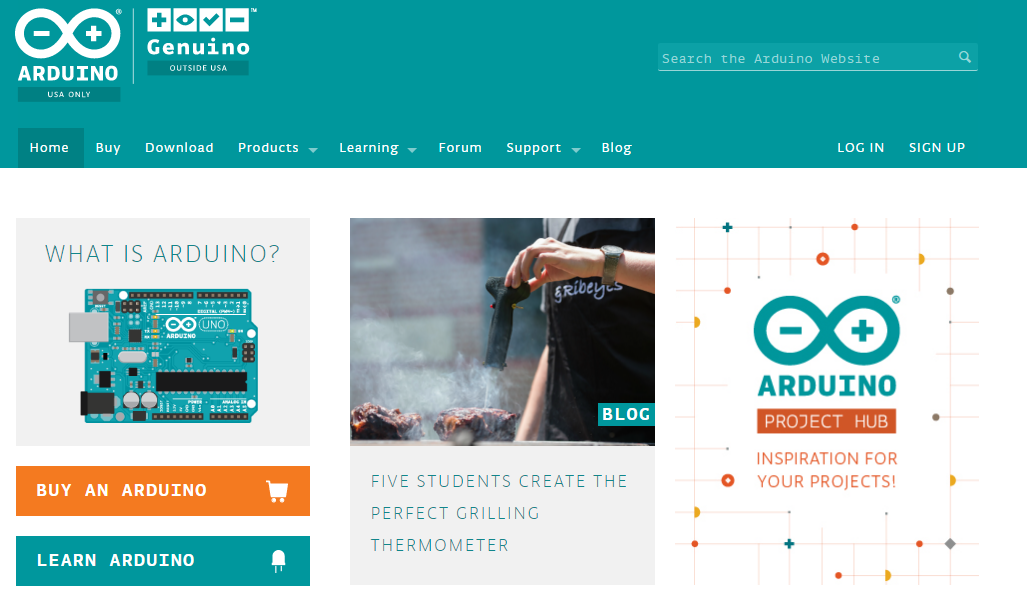
  1)  Downloading arduino software.
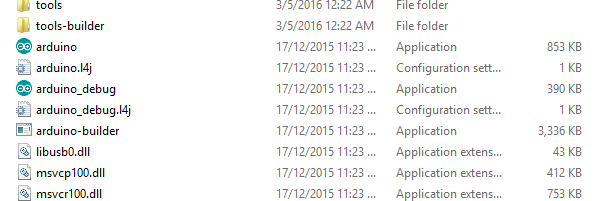
  2)  installing the arduino software.


Downloading the arduino 16.7 :


Installing the arduino software :


Tuesday, 3 May 2016

Week 7 ( FYP 2)

Title Changing Arduino Uno to Arduino Nano

OBJECTIVES :

Why uses of Arduino Nano are more compatable than Arduino Uno for this project?

·        Because this project have just a few outputs.
·         More cheaper than Arduino Nano.
.         less complicated


Images of Arduino Nano :


Specifications:

Microcontroller                                  Atmel ATmega168 or ATmega328
Operating Voltage (logic level)           5 V
Input Voltage (recommended)            7-12 V
Input Voltage (limits)                          6-20 V
Digital I/O Pins                                  14 (of which 6 provide PWM output)
Analog Input Pins                               8
DC Current per I/O Pin                     40 mA
Flash Memory 16 KB (ATmega168) or 32 KB (ATmega328) of which 2 KB used by bootloader
SRAM 1 KB (ATmega168) or 2 KB (ATmega328)
EEPROM                                          512 bytes (ATmega168) or 1 KB (ATmega328)
Clock Speed                                      16 MHz
Dimensions                                       0.73" x 1.70"
Length                                               45 mm
Width                                                18 mm

Weigth                                               5 g